
AI Productivity Tools for Remote Teams
Remote work sounds flexible, but it breaks fast without the right systems. Teams miss deadlines, communication slows down, and small tasks pile up. In 2026, successful remote teams rely on AI productivity tools to stay fast, focused, and aligned. These tools don’t just save time; they reduce friction, improve collaboration, and help teams scale without chaos.
I’ve seen distributed teams struggle with meetings, task tracking, and content workflows, and I’ve also seen how the right AI tools fix those problems almost instantly. The tools in this guide are practical, widely used, and proven to work for fully remote and hybrid teams.

Why Remote Teams Need AI Productivity Tools
Remote teams deal with time zone gaps, endless meetings, unclear ownership, and slow follow-ups. AI productivity tools solve this by automating repetitive work, summarizing information, and keeping everyone on the same page. Instead of hiring more people, teams use AI to work smarter and move faster.
The best AI tools for remote teams share simple traits. They are easy to use, integrate with existing tools, save time immediately, and improve team communication. If a tool adds complexity, it’s not worth it.
Best AI Productivity Tools for Remote Teams
ChatGPT for Team Communication and Knowledge Sharing
ChatGPT acts as a shared brain for remote teams. Teams use it to draft messages, summarize discussions, create documentation, and answer internal questions. It reduces back-and-forth and speeds up decision-making. Learn more directly from OpenAI.
Notion AI for Project and Knowledge Management
Notion AI helps remote teams manage tasks, documents, and workflows in one place. It summarizes notes, creates action items, and turns messy ideas into structured plans. Teams use it as a central workspace to avoid scattered tools and lost information. Official details are available at notion.so.
ClickUp AI for Task and Workflow Automation
ClickUp AI combines project management with AI-powered summaries, task creation, and workflow automation. Remote teams use it to track progress, assign responsibilities, and stay aligned without constant meetings. This is ideal for teams managing multiple projects at once. Explore ClickUp AI.
Slack AI for Smarter Team Communication
Slack AI helps teams stay productive by summarizing channels, highlighting important messages, and reducing noise. For remote teams drowning in messages, this tool brings clarity and focus. Slack remains one of the most trusted communication platforms for distributed teams.
Otter.ai for Meetings and Async Collaboration
Meetings slow remote teams down when notes are unclear. Otter.ai records, transcribes, and summarizes meetings automatically, making it easier for team members in different time zones to stay informed. This reduces repeat meetings and improves accountability.
Zapier for Remote Workflow Automation
Zapier connects apps and automates repetitive tasks without coding. Remote teams use it to automate onboarding, notifications, reporting, and follow-ups.
Grammarly AI for Clear Team Communication
Grammarly AI helps remote teams write clear, professional messages across emails, docs, and chats. It improves tone, clarity, and accuracy, which is critical when teams rely heavily on written communication.
Canva AI for Visual Collaboration
Remote teams often need visuals for presentations, reports, and social content. Canva AI allows teams to create designs quickly without designers, making collaboration faster and more consistent.
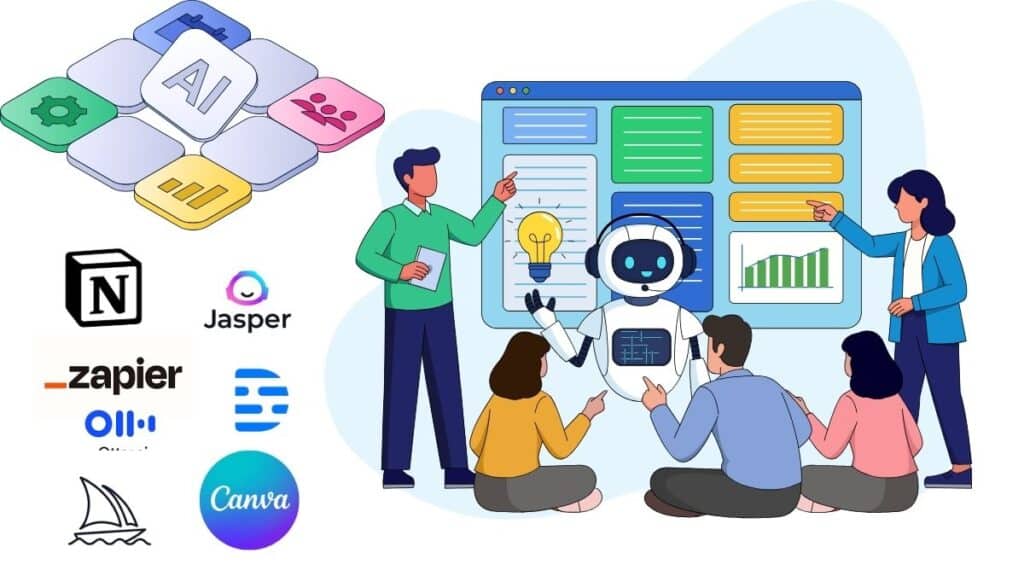
Best AI Productivity Tools for Remote Teams
| AI Tool | Key Features | Starting Pricing | Best For Remote Teams That Want To |
|---|---|---|---|
| ChatGPT | Writing, summaries, documentation, research | Free / ~$20 per month | Improve communication and knowledge sharing |
| Notion AI | Task management, note summaries, planning | Free / ~$8–$20 add-on | Centralize work and documentation |
| ClickUp AI | Task automation, project summaries | Free / Paid plans | Manage projects and deadlines |
| Slack AI | Channel summaries, message insights | Included in Slack plans | Reduce communication overload |
| Otter.ai | Meeting transcription and summaries | Free / ~$16 per month | Improve async collaboration |
| Zapier | No-code workflow automation | Free / ~$20 per month | Automate repetitive team tasks |
| Grammarly AI | Writing clarity and tone | Free / ~$12 per month | Maintain professional communication |
| Canva AI | AI-powered design and visuals | Free / ~$14 per month | Create team visuals quickly |
How Remote Teams Use These Tools Together
High-performing remote teams don’t rely on one tool. A typical workflow starts with Slack AI for communication, Otter.ai for meeting summaries, Notion AI for documentation, ClickUp AI for task tracking, ChatGPT for drafting and planning, and Zapier to automate everything in between. This system reduces meetings, speeds up execution, and keeps teams aligned across time zones.
Final Verdict
AI productivity tools for remote teams are no longer optional in 2026. They are essential for speed, clarity, and scale. Teams that adopt AI work fewer hours, communicate better, and deliver results faster. Instead of adding more meetings or more people, smart teams add better tools. Start small, focus on your biggest bottleneck, and build a system that supports remote work instead of fighting it.

Also Read: Best AI Tools for Freelancers in 2026 to Save Time, Get More Clients, and Increase Income
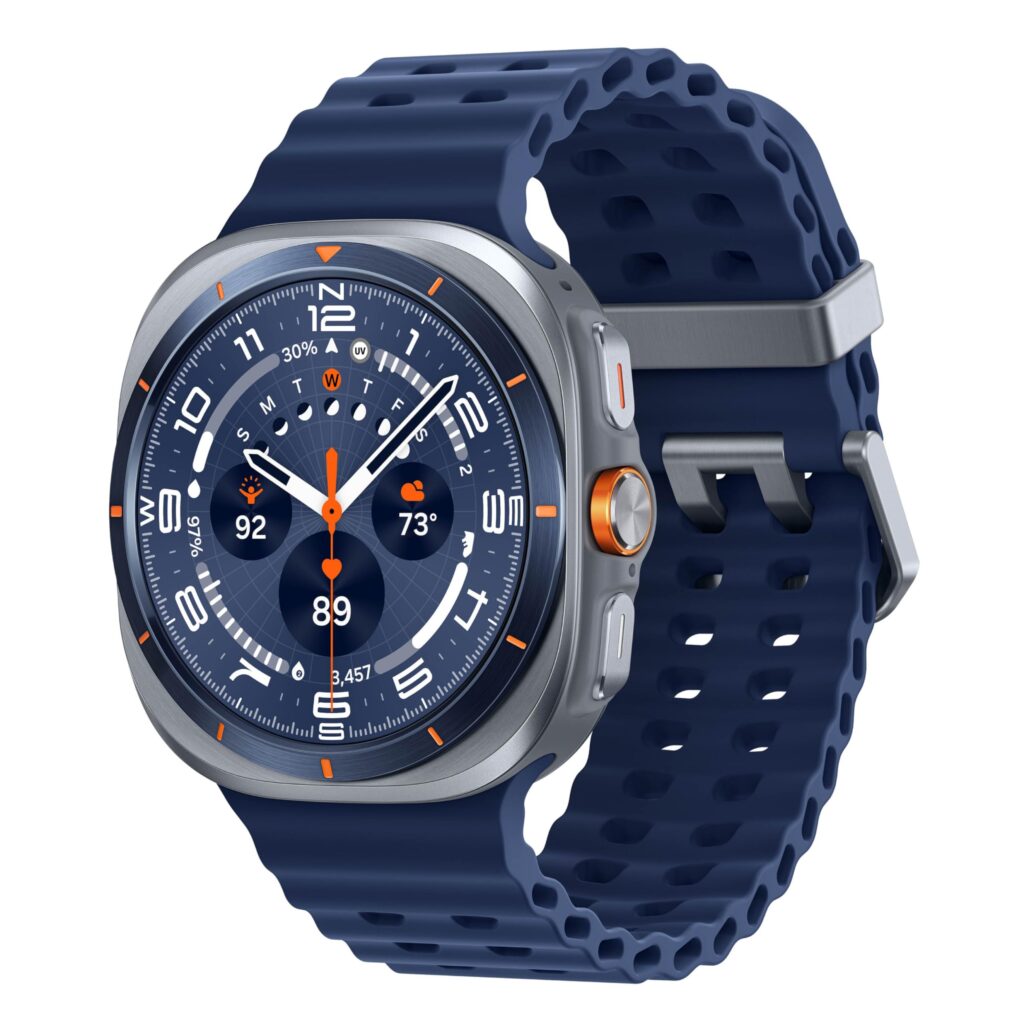
Samsung Galaxy Watch Ultra (2025)
Take on every adventure with Samsung’s toughest smartwatch yet. Featuring a premium titanium build, stunning AMOLED display, advanced health tracking (ECG, SpO₂, sleep insights & more), and a battery that lasts up to 3 days—this is more than a watch, it’s your ultimate wrist companion.