Apple Digital ID: Apple just made travel easier. You can now keep your U.S. passport and driver’s license inside Apple Wallet and use them at TSA security checkpoints. No fumbling for IDs, no physical cards — just your iPhone or Apple Watch. It’s a big step toward digital identity, and it’s already rolling out at select U.S. airports.
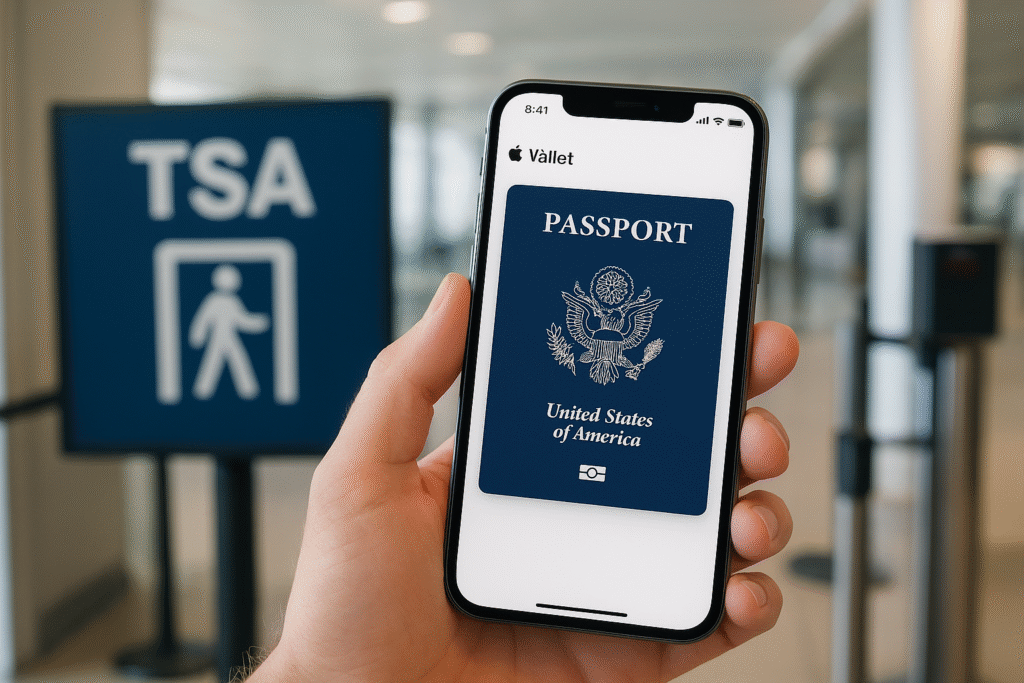
What Exactly Is Apple’s Digital ID?
Apple’s new Digital ID lets you carry your state ID, driver’s license, or passport safely inside Apple Wallet. It’s built using encrypted data and biometric authentication, so your personal details never leave your device. The feature meets Real ID compliance, making it valid for domestic air travel in the U.S. According to Apple’s newsroom announcement, it’s part of a larger move to make travel faster and more secure.
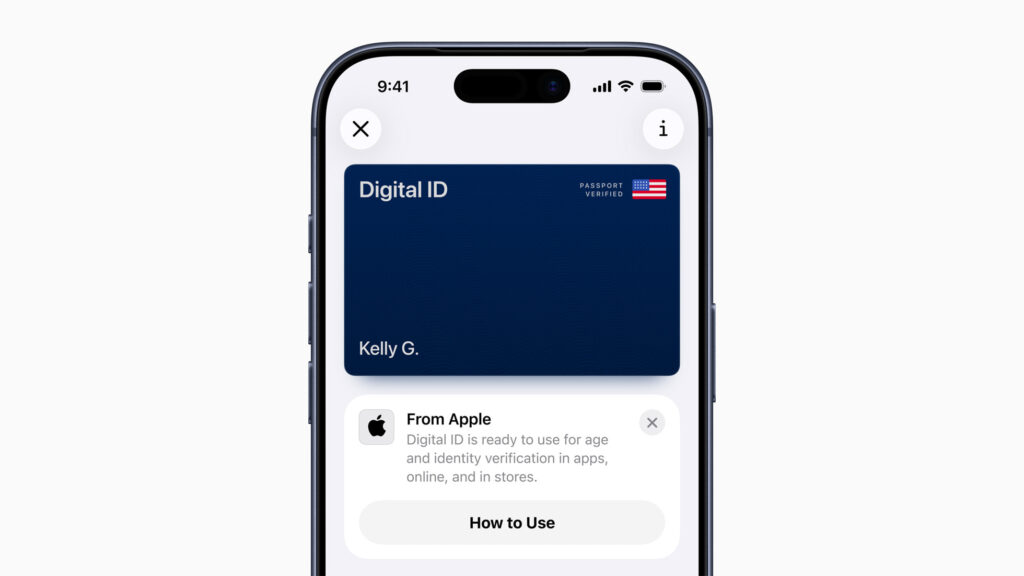
How the Digital ID Works
Setting up your Digital ID is simple:
- Open the Wallet app on your iPhone.
- Tap the “+” sign and choose Driver’s License or State ID.
- Scan your physical ID and take a selfie for verification.
- Wait for approval — then your Digital ID is ready to use.
At the airport, you’ll see TSA checkpoints that support digital identity verification. You just hold your iPhone or Apple Watch near the reader. The TSA verifies your identity and age without you unlocking or handing over your device. For a quick setup guide, you can check CNET’s detailed tutorial.
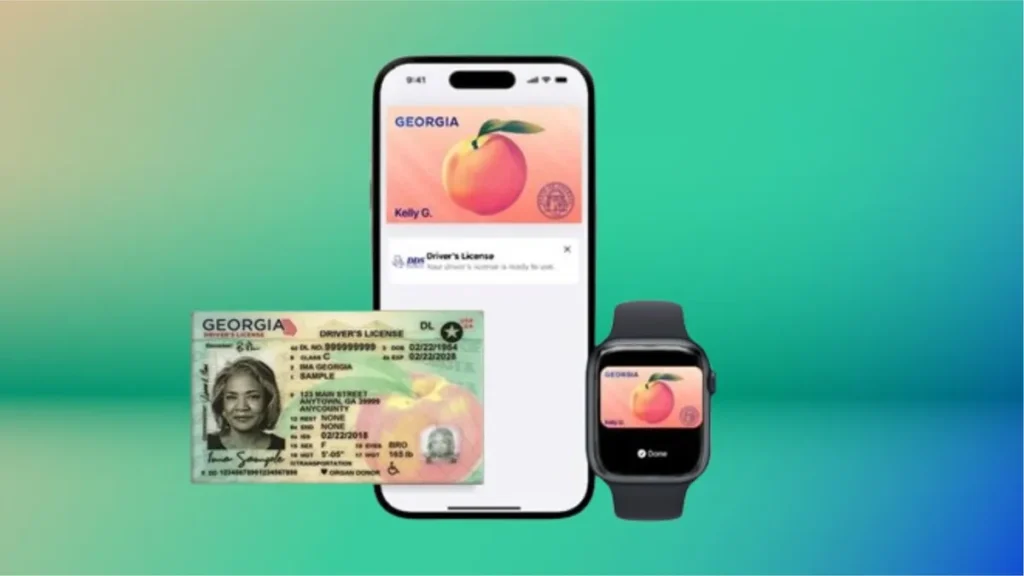
Where It’s Being Used
Right now, Apple Digital ID is available at a few U.S. airports working with the Transportation Security Administration (TSA). It’s limited to domestic flights for now, but Axios reports that Apple plans to expand the rollout in coming months. Your Digital ID doesn’t replace your passport for international travel yet, but it’s a start. You’ll still need your physical passport when crossing borders or traveling abroad.
Security and Privacy
Apple designed Digital ID with security first. All data stays on your iPhone — never on Apple’s servers. It’s protected with Face ID or Touch ID, and all information is end-to-end encrypted. When you present your ID at a TSA checkpoint, only the required details — like your name and date of birth — are shared. Your photo, full ID number, and address remain private. You stay in full control of your digital identity, and you never need to hand over your phone to an agent.
Why This Update Matters
Apple’s Digital ID isn’t just about convenience. It’s a sign of where identity verification is headed — toward a secure, paper-free future. Soon, your digital ID could be used for:
- Checking into hotels
- Renting a car
- Verifying your age in apps or stores
- Entering secure buildings
This technology could reduce identity theft and speed up airport security lines. And for frequent travelers, it’s a major time saver.
If you’re interested in how tech is transforming travel, check out our related post — Xbox Game Pass Just Got Wild: Ultimate Jumps to $29 — where we break down how digital services keep reshaping user experience across industries.
How to Get Started
To use the Digital ID feature, make sure your iPhone is updated to the latest iOS. Then follow these steps:
- Open the Wallet app
- Tap “+” and choose Driver’s License or Passport
- Scan your ID and follow the verification process
- Wait for approval, then you’re set
You can test it at airports that display “TSA Digital ID Ready” signage.
The Bigger Picture
Digital identity is becoming the new standard. It’s faster, safer, and more private than carrying physical documents. With Apple’s move, we may soon see digital IDs for everything from healthcare access to online services. Still, privacy concerns remain — how much data should tech companies handle? Apple’s privacy-first approach gives users control, but government systems will need to keep up with the same standards.
For more insight into how digital systems are changing our world, check out our post — How GPT-5.1 Is Redefining Chatbots — to see how AI and digital security are blending into everyday tech.
Final Thoughts
Apple’s Digital ID in Wallet is a major leap toward a modern identity system. It’s fast, secure, and built around privacy by design. You can move through airports with less stress and more control. This is only the beginning. Soon, your iPhone or Apple Watch could replace your wallet entirely. The future of travel and identification? It’s already in your hand.
FAQs
Q1: What is Apple’s Digital ID in Wallet?
Apple’s Digital ID lets users store verified IDs like a driver’s license or passport securely on their iPhone or Apple Watch, making travel and ID checks faster and safer.
Q2: Can I use Apple Digital ID for international travel?
Not yet. Apple’s Digital ID currently works for TSA security checks and domestic flights within the U.S. You still need a physical passport for international travel.
Q3: Is Apple Digital ID safe to use?
Yes. All identity data stays encrypted on your device. Apple doesn’t store or access your information, and verification requires Face ID or Touch ID.
Q4: Which airports support Apple Digital ID?
The TSA is rolling out support at select U.S. airports. More locations will be added as Apple expands the program.
Q5: How do I add my ID to Apple Wallet?
Open the Wallet app, tap the plus sign, select “Driver’s License or State ID,” scan your ID, take a selfie for verification, and wait for approval.